
Bing Places vs Google Business Profile
A side-by-side of Bing Places and Google Business Profile — features, reach, the import option and why claiming both is worth it.

If you’re only claimed on Google Business Profile and skipping Bing Places, you’re leaving a channel unmonetised. Here’s a straight comparison, from the Local SEO for Bing team, so you know where to invest your time.
Feature comparison

| Feature | Bing Places | Google Business Profile |
|---|---|---|
| Free | Yes | Yes |
| Categories | Up to 10 (1 primary + 9 secondary) | Up to 10 (1 primary + 9 secondary) |
| Photos | Unlimited | Unlimited |
| Business hours | Standard + special hours | Standard + special hours |
| Reviews | Yes (via Bing) | Yes (via Google) |
| Q&A | Yes (FAQ section) | Yes (Q&A section) |
| Products | Yes | Yes |
| Services | Yes (with descriptions) | Yes (with descriptions) |
| Posts | Limited | Yes (regular posts, offers, events) |
| Insights | Basic | Detailed |
| Import from other platform | Yes (from Google) | No |
| Multi-location management | Yes (bulk) | Yes (bulk) |
Google’s insights and posts features are more mature. Bing’s import-from-Google feature saves you setup time.
Reach comparison
- Google Business Profile surfaces on: Google Search, Google Maps, Google’s local pack, Google Assistant, YouTube shorts (in some contexts)
- Bing Places surfaces on: Bing Search, Bing Maps, Cortana voice queries, Microsoft Copilot local-intent answers, Microsoft Edge default new-tab
For most Malaysian businesses, Google drives more raw volume. Bing drives higher-quality corporate leads because of the Windows/Edge audience.
Unique Bing benefits
- Copilot integration. Microsoft Copilot pulls local business data from Bing Places for location-aware answers. Google Assistant uses GBP.
- Cortana voice queries. On Windows devices, Cortana surfaces Bing Places listings for local voice queries.
- Lower competition. Fewer Malaysian businesses have claimed Bing Places, so rankings are easier for equivalent effort.
Import path
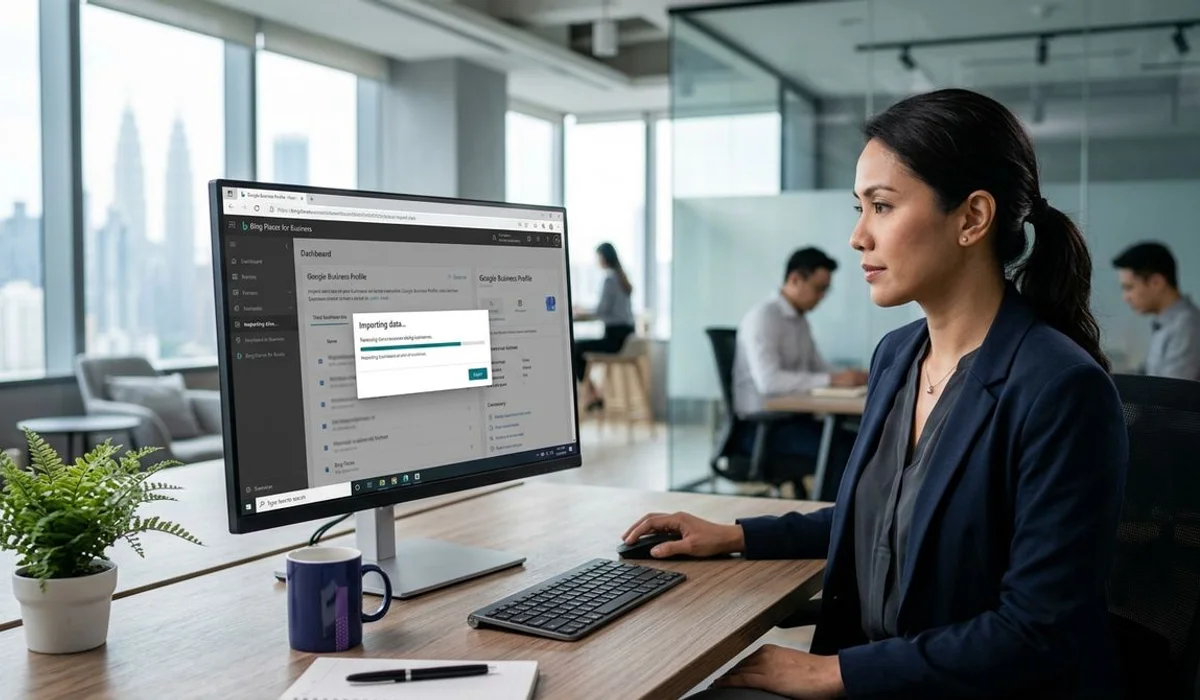
The fastest way to set up Bing Places if you already have Google Business Profile:
- Sign in to Bing Places for Business with a Microsoft account
- Choose “Import from Google Business Profile”
- Authorise the connection
- Select which locations to import
- Bing pulls in your NAP, categories, hours, and photos
Setup complete in under 10 minutes. You still need to verify (usually via postcard) and optimise Bing-specific fields afterwards.
Recommendation: claim both
For any local business in Malaysia, the answer is claim both. They’re free, they take 20 minutes each, and they reach different audiences. Skipping Bing Places to save time is short-sighted — the incremental effort is small and the incremental corporate audience it unlocks is real.
What we do for clients
We set up Bing Places for Business alongside NAP consistency across Malaysian directories. If you already have Google Business Profile, we import and optimise, then focus on the Bing-specific fields.
Or book a free audit to check your current Bing Places status.
Frequently asked
Don't see your question? Send us a message and we'll answer within one business day.