
Bing Webmaster Tools vs Google Search Console
A side-by-side of Bing Webmaster Tools and Google Search Console — unique Bing reports, key features, and why you should use both.

Every serious website should be verified in both Google Search Console and Bing Webmaster Tools. Both are free. Both take five minutes to set up. And each shows things the other doesn’t. Skip Bing Webmaster Tools and you’re flying blind on 10-15% of your traffic — plus the tooling our Technical SEO for Bing service relies on daily.
Here’s how they actually compare.
What Bing Webmaster Tools does better

Keyword Research. Bing’s built-in Keyword Research tool includes competitive difficulty, search volume estimates, and related queries. GSC doesn’t have any of this — it only shows queries you’re already ranking for.
Site Scan. Automated technical crawl that flags issues like duplicate meta descriptions, missing alt text, redirect chains, and structured data errors. GSC has fragments of this scattered across reports; Bing consolidates it.
Backlinks. Bing shows referring domains and anchor text with more detail than GSC’s Links report. It also lets you sort and filter more usefully.
IndexNow API access. Bing is the primary IndexNow adopter. You can manage IndexNow keys and monitor submissions directly in Bing Webmaster Tools.
URL Submission at scale. Bing lets you submit up to 10,000 URLs per day for indexing directly, versus GSC’s stricter individual-URL inspection flow.
What Google Search Console does better
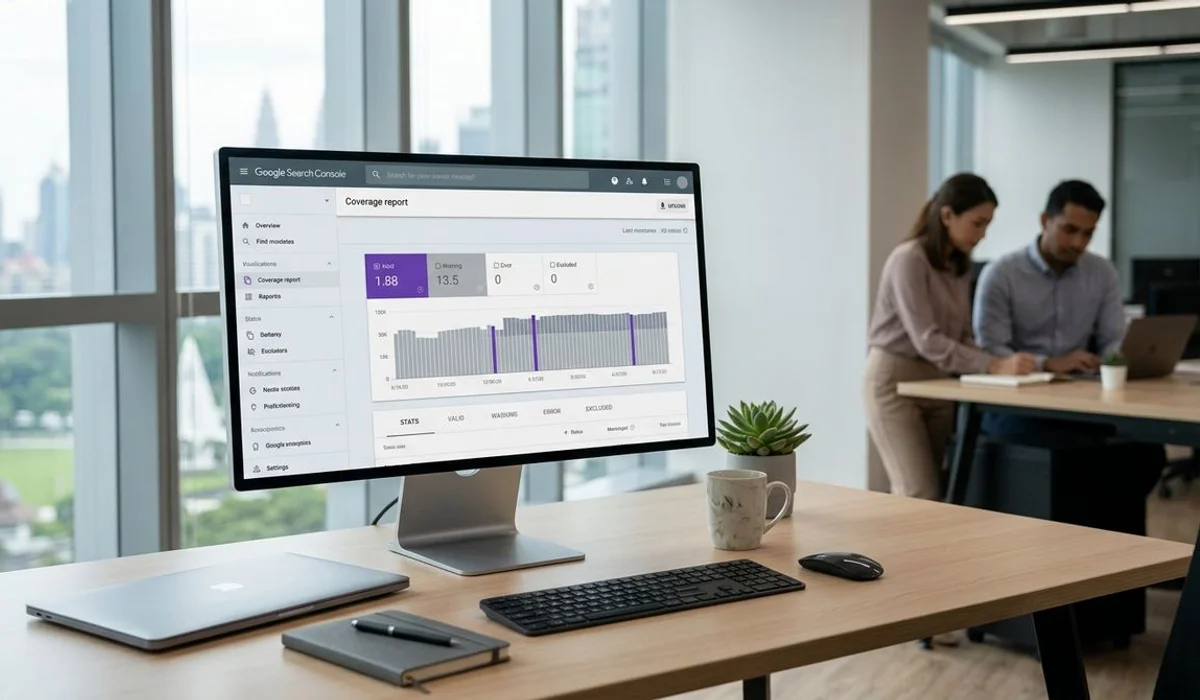
Performance data volume. Google has vastly more search volume in most markets, so GSC’s Performance report shows more queries, more clicks, and more impressions data to work with.
Coverage reports. GSC’s page indexing report is more detailed than Bing’s Site Explorer for diagnosing individual URL exclusions.
Core Web Vitals detail. GSC integrates CrUX (Chrome User Experience) data for real-user performance metrics. Bing’s site quality signals are less transparent.
Rich Results Test. Google’s schema validation tool is more polished, though Bing Webmaster Tools’ validator has closed the gap in recent updates.
The unique Bing reports worth logging in for
Two Bing Webmaster Tools reports don’t have GSC equivalents:
- Search Performance by Country and Device. More granular than GSC’s equivalent, with a clean segment view.
- Site Explorer. A tree-view of your site’s indexed pages, useful for spotting orphan content and section-level indexing gaps. If Site Explorer shows large gaps, our guide on why your website isn’t indexed on Bing covers the usual causes.
Setup takes five minutes
For any Malaysian business already using Google Search Console:
- Sign in to Bing Webmaster Tools with a Microsoft account
- Click “Import from Google Search Console”
- Select the properties to import
- Done
You’ll have verified sites, submitted sitemaps, and imported disavow files with no further work. Then it’s just a matter of adding Bing Webmaster Tools to your monthly review routine.
The real answer
Use both. They’re free, they’re different, and each shows you a piece of the picture the other doesn’t. If you’re only using GSC, you’re missing Bing’s Keyword Research tool, Site Scan, and IndexNow control panel — all of which have real optimisation value even if you don’t specifically care about Bing rankings.
For an audit that pulls insights from both tools alongside our own analysis, see our Bing SEO audit service.
Frequently asked
Don't see your question? Send us a message and we'll answer within one business day.