
Bing SEO for E-Commerce & Bing Shopping
Win Bing Shopping visibility — product feeds, product schema, retail keyword tactics and lower-CPC shopping ads for Malaysian retailers.
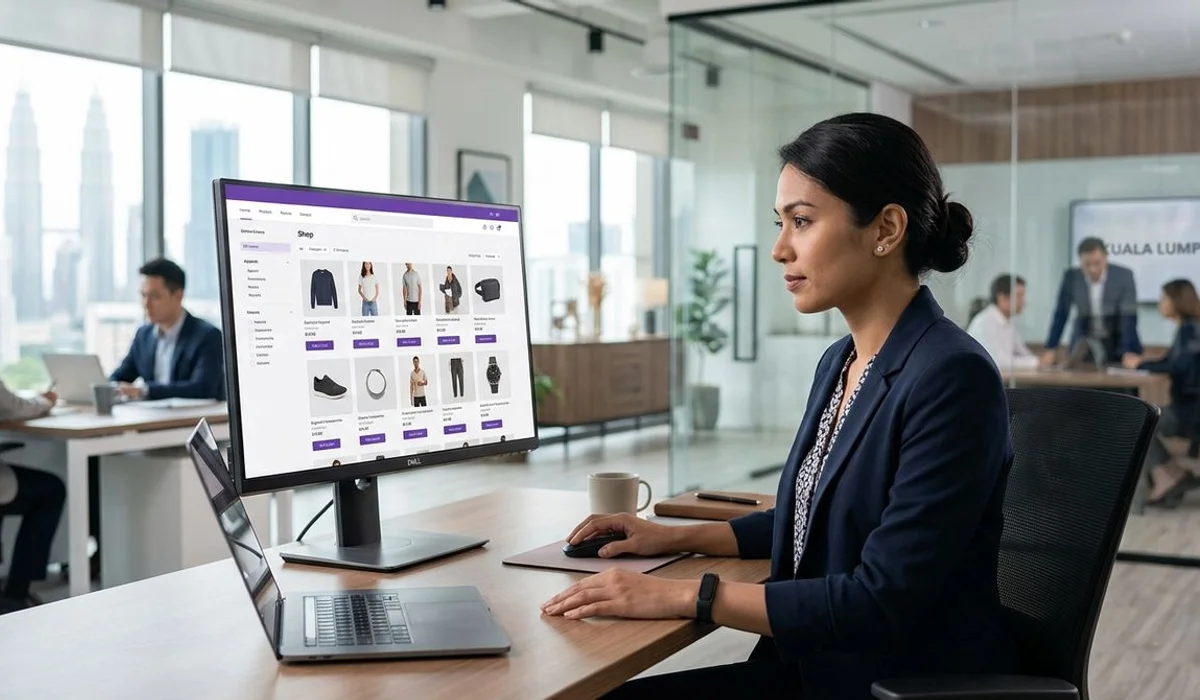
Bing Shopping is an underused channel for Malaysian e-commerce, and one of the core verticals in our Industry-Specific Bing SEO service. Google Shopping is saturated and expensive; Bing Shopping is quieter, cheaper, and increasingly integrated with Copilot’s shopping assistance features.
Here’s how to win it.
The Bing Shopping opportunity

Malaysian shoppers on Windows and Edge use Bing Shopping without thinking about it. Corporate procurement teams sourcing office supplies, B2B buyers looking for bulk orders, and expat consumers researching local retailers all end up on Bing Shopping when they search product queries in Edge.
Combined with Copilot’s shopping features (which pull heavily from Bing Shopping data), being feed-listed and schema-optimised on Bing puts your products in front of an audience Google-only retailers miss.
Setup: Microsoft Merchant Center
Bing Shopping runs off feeds submitted through Microsoft Merchant Center (MMC), which is Microsoft’s equivalent of Google Merchant Center. Setup steps:
- Sign in to MMC with a Microsoft account
- Create a store, verify domain ownership
- Upload a product feed (adapt your existing Google feed — 90% of fields overlap)
- Wait for feed approval (usually 24-48 hours)
- Launch shopping campaigns in Microsoft Advertising
Product feed best practices
- Complete required fields. Product ID, title, description, price, availability, image, GTIN/MPN, brand.
- Malaysia-specific formatting. Prices in MYR with currency indicator. Availability set correctly (“in stock” is stricter on Bing).
- High-quality product images. Bing displays these prominently. 800×800 minimum.
- Category-specific attributes. For apparel, include size, colour, gender. For electronics, include model number and specifications.
Feed quality is the biggest driver of Bing Shopping performance. A clean feed usually outperforms an aggressive bidding strategy on a messy feed.
Product schema markup

On every product page:
{
  "@context": "https://schema.org",
  "@type": "Product",
  "name": "Product Name",
  "image": "https://yourdomain.com/product-image.jpg",
  "description": "Product description",
  "brand": { "@type": "Brand", "name": "Brand Name" },
  "offers": {
    "@type": "Offer",
    "priceCurrency": "MYR",
    "price": "199.00",
    "availability": "https://schema.org/InStock"
  }
}
Complete Product schema unlocks rich snippets in Bing search results and feeds Copilot’s shopping-answer citations.
Retail keyword tactics
Bing rewards exact-match keywords more than Google. For product SEO:
- Use the exact product name in the H1
- Include category and brand in title tag
- Write direct-answer product descriptions
- Add FAQ schema for common product questions
- Use category-specific keywords in URL
Shopping ads campaign structure
- Broad product feed campaign covering all products
- Priority campaigns for top-margin or bestseller categories
- Retargeting via Microsoft Audience Network for cart abandoners
- Layer LinkedIn Profile Targeting for B2B office supplies, corporate gifting
Typical performance
Malaysian e-commerce clients running well-tuned Bing Shopping campaigns typically see:
- 30-50% lower CPC than Google Shopping
- Higher conversion rate on corporate-buyer product categories
- Payback within 60-90 days of feed launch
In property rather than retail? The vertical playbook differs — see Bing SEO for property developers and real estate investors.
For a full e-commerce Bing SEO engagement including Merchant Center setup and Shopping campaigns, book a free audit to size the opportunity for your product catalogue.
Frequently asked
Don't see your question? Send us a message and we'll answer within one business day.